
Remember To Do
오늘 할 일만 딱 보여줍니다.
내일 걱정은 내일 하세요. 쌓여만 가는 목록도, 다시 열어보지 않는 프로젝트 폴더도, 끝없는 설정 화면도 없습니다. 앱을 열면 오늘 할 일이 있고, 다 하면 화면이 비워집니다. 그게 전부입니다.
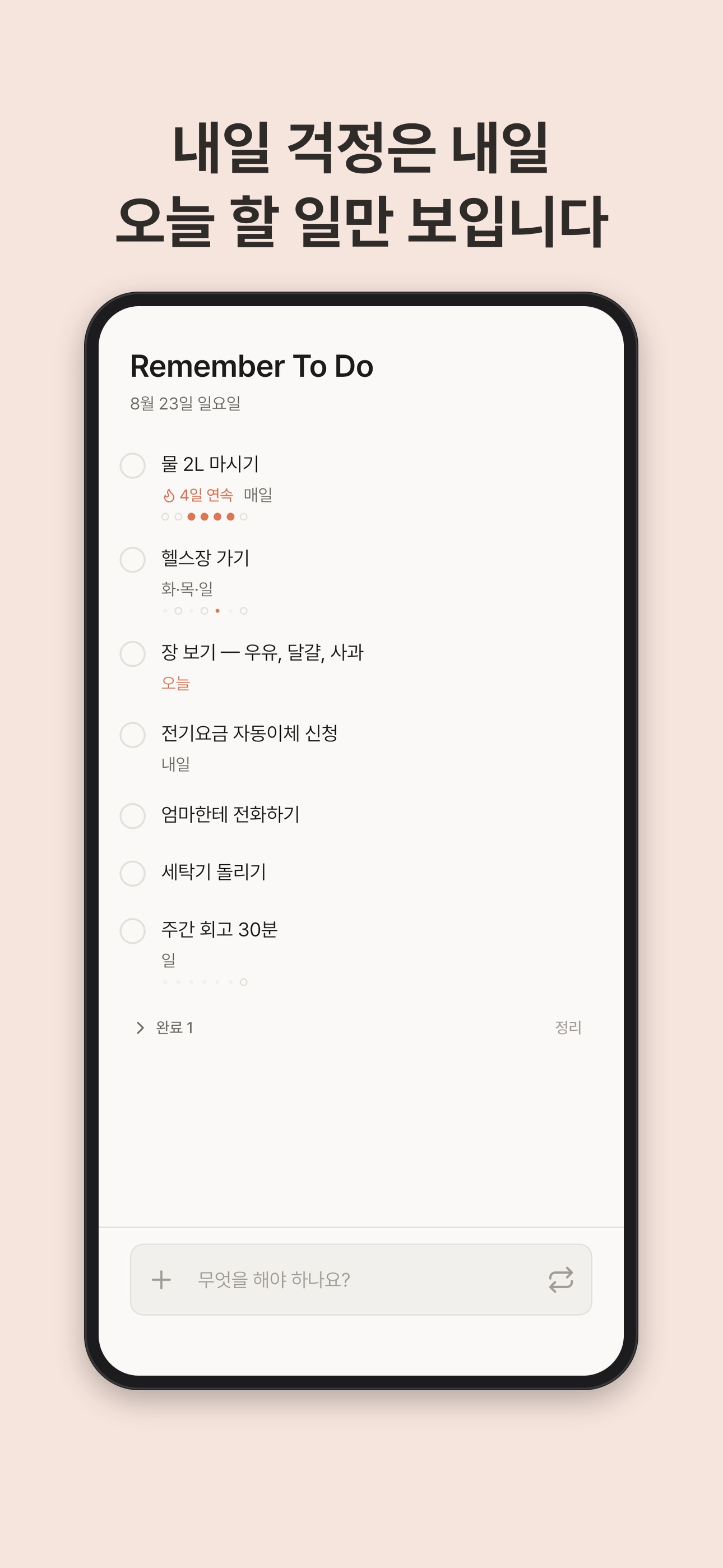
내일 걱정은 내일
오늘 할 일만 보입니다
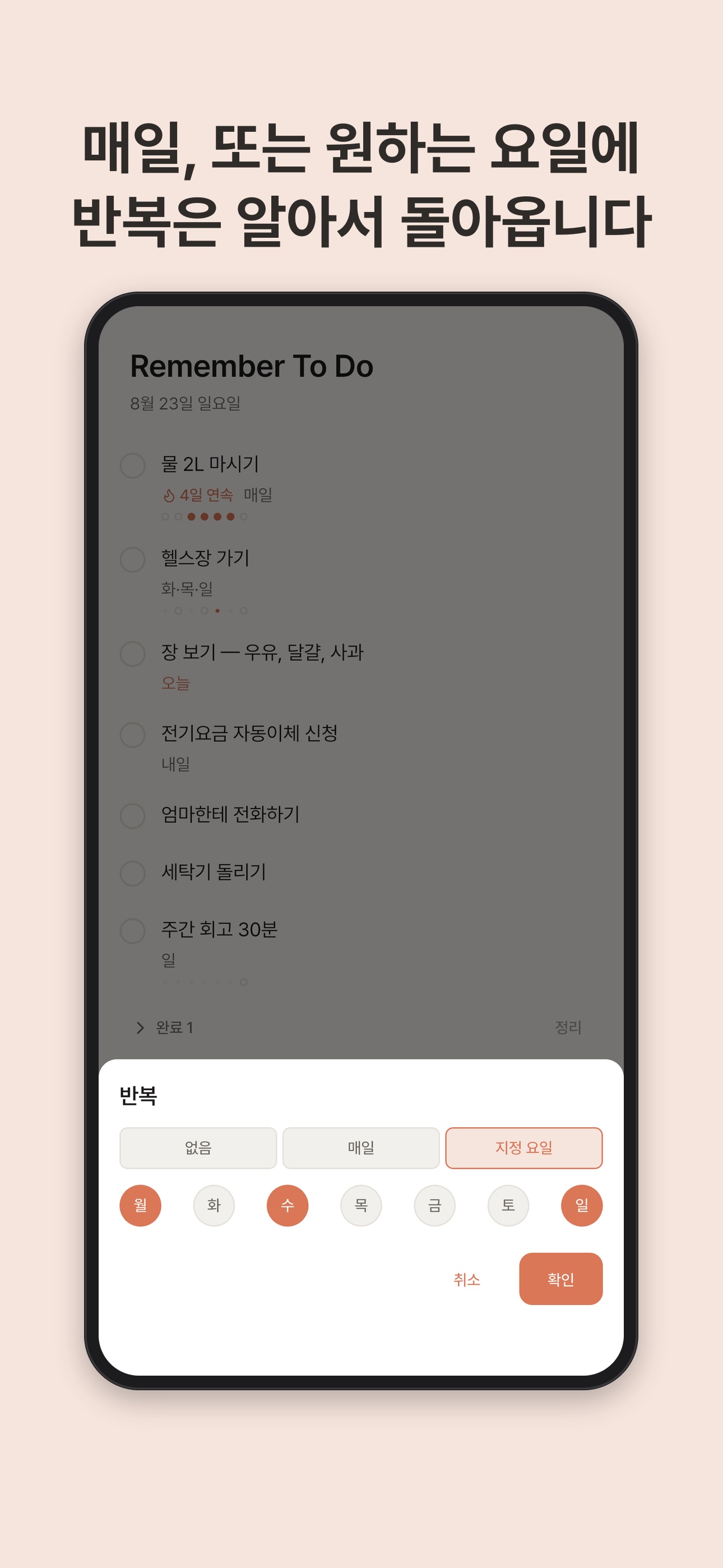
매일, 또는 원하는 요일에
반복은 알아서 돌아옵니다
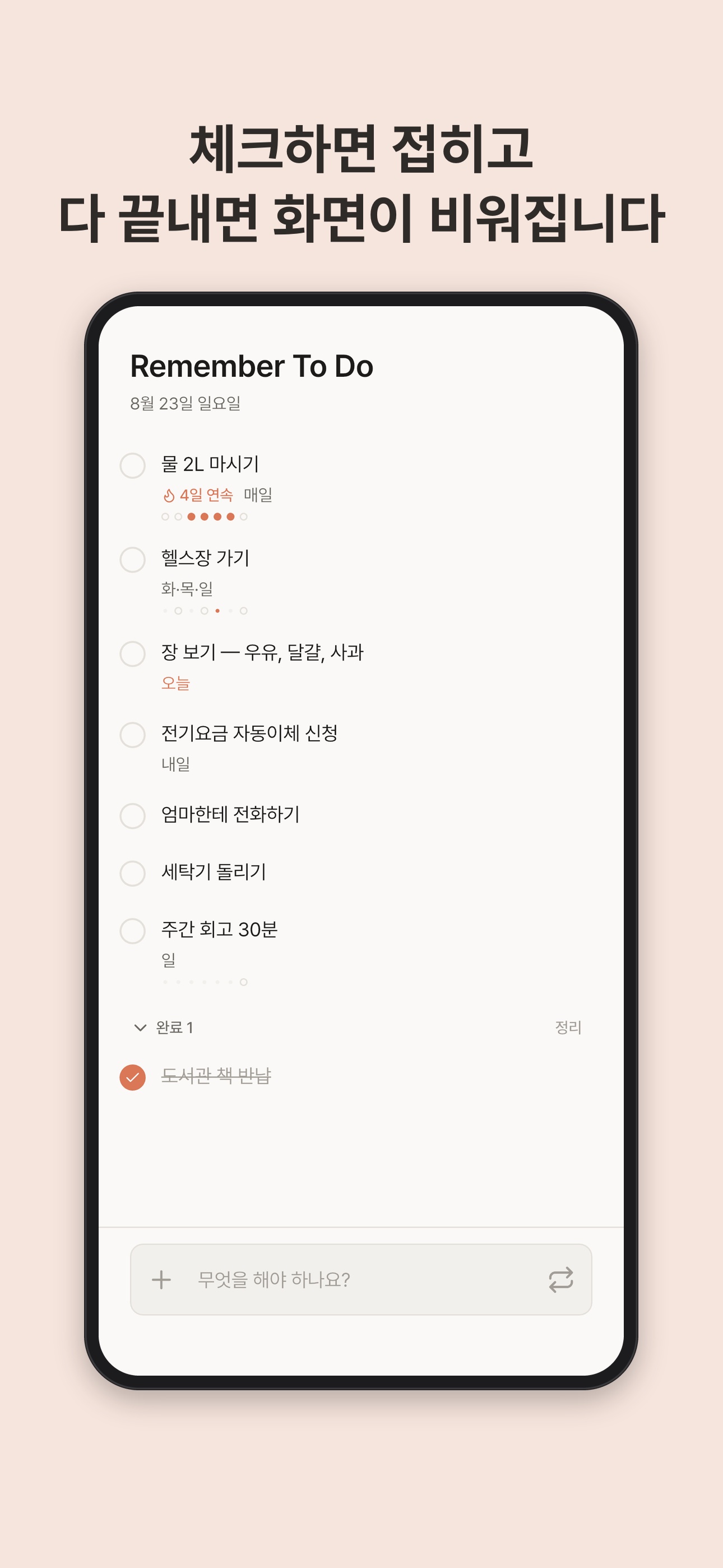
체크하면 접히고
다 끝내면 화면이 비워집니다
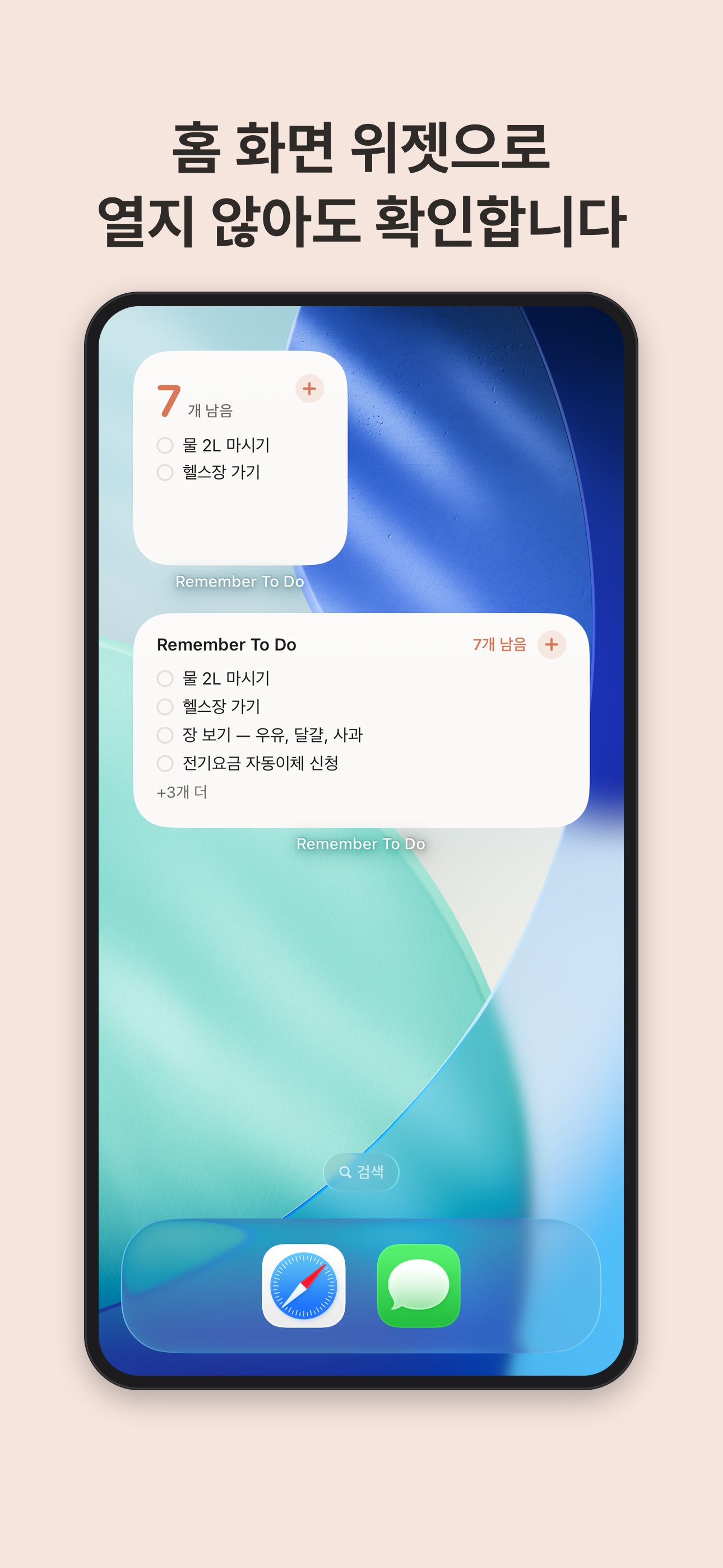
홈 화면 위젯으로
열지 않아도 확인합니다
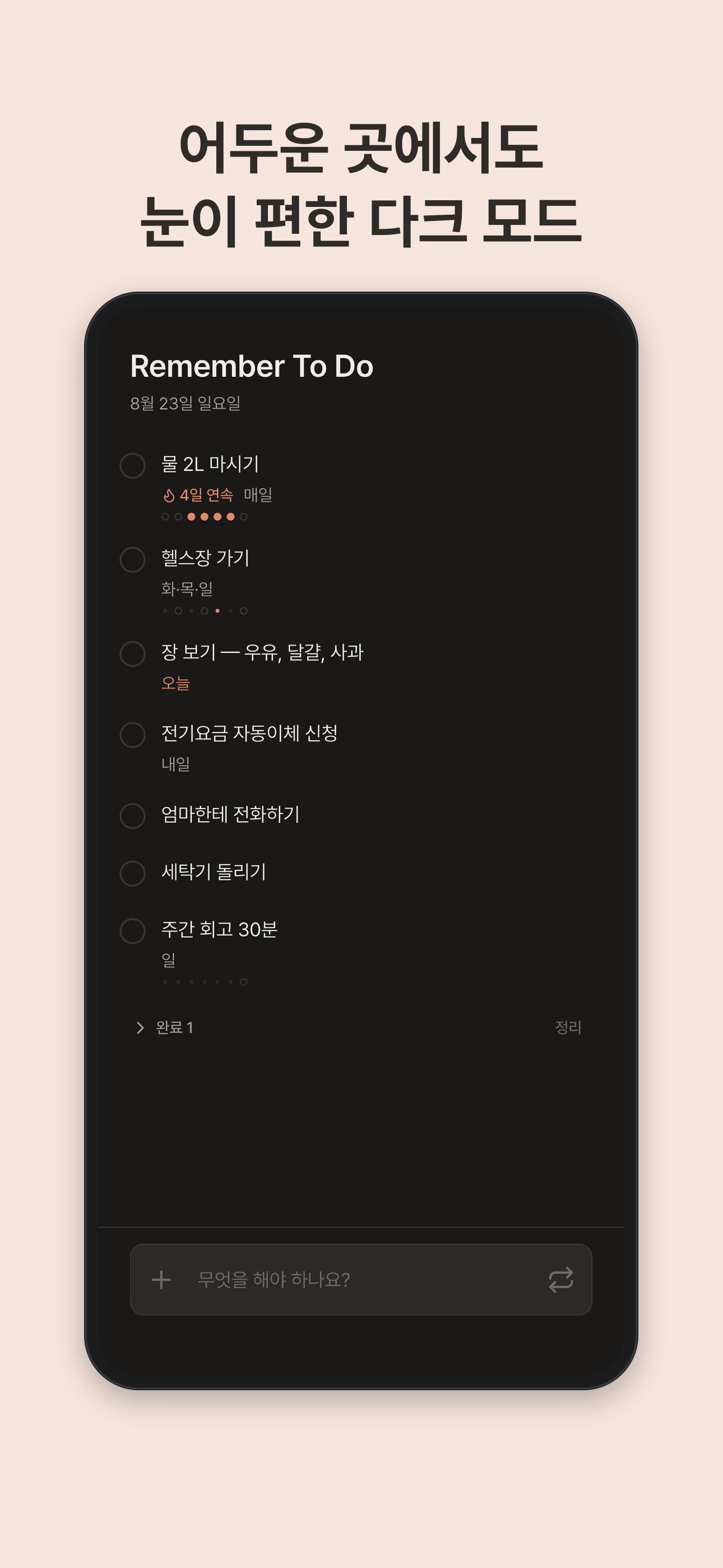
어두운 곳에서도
눈이 편한 다크 모드
이런 앱입니다
오늘만 보여주는 화면
할 일을 적으면 오늘 목록에 올라갑니다. 체크하면 아래로 접히고, 남은 것만 눈에 들어옵니다. 다 끝낸 날은 빈 화면이 오늘의 보상입니다.
반복은 알아서
매일 반복, 또는 원하는 요일에만 반복. 한 번 정해두면 그날이 올 때마다 다시 올라옵니다. 영양제, 월·수·금 운동, 금요일 쓰레기 배출을 매번 적을 필요가 없습니다.
최근 며칠을 한눈에
반복 할 일에는 최근 기록이 작은 점으로 표시됩니다. 어제는 했는지, 이번 주에 며칠이나 지켰는지 목록에서 바로 보입니다.
홈 화면 위젯
소형·중형 위젯으로 오늘 남은 일을 홈 화면에서 확인하세요. 앱을 열지 않아도 최신 상태로 유지됩니다.
Mac 메뉴 막대에서 바로
메뉴 막대 아이콘을 누르면 팝오버가 열립니다. 창을 띄우고 정리할 필요 없이, 생각난 순간 적고 닫으면 됩니다.
iCloud로 이어지는 기기
iPhone에서 적은 일이 iPad와 Mac에 나타납니다. 로그인도, 계정 만들기도 필요 없습니다. iCloud 계정만 있으면 됩니다.
이런 것들이 없습니다
회원가입 · 광고 · 알림 폭탄 · 구독 결제 유도 · 협업 초대 · 배우기 위한 튜토리얼
Remember To Do
Only today's tasks, nothing else.
Tomorrow can wait. No backlog that only grows, no project folders you never open again, no settings to learn. Open the app, see today, finish it, and the screen goes empty. That's the whole idea.
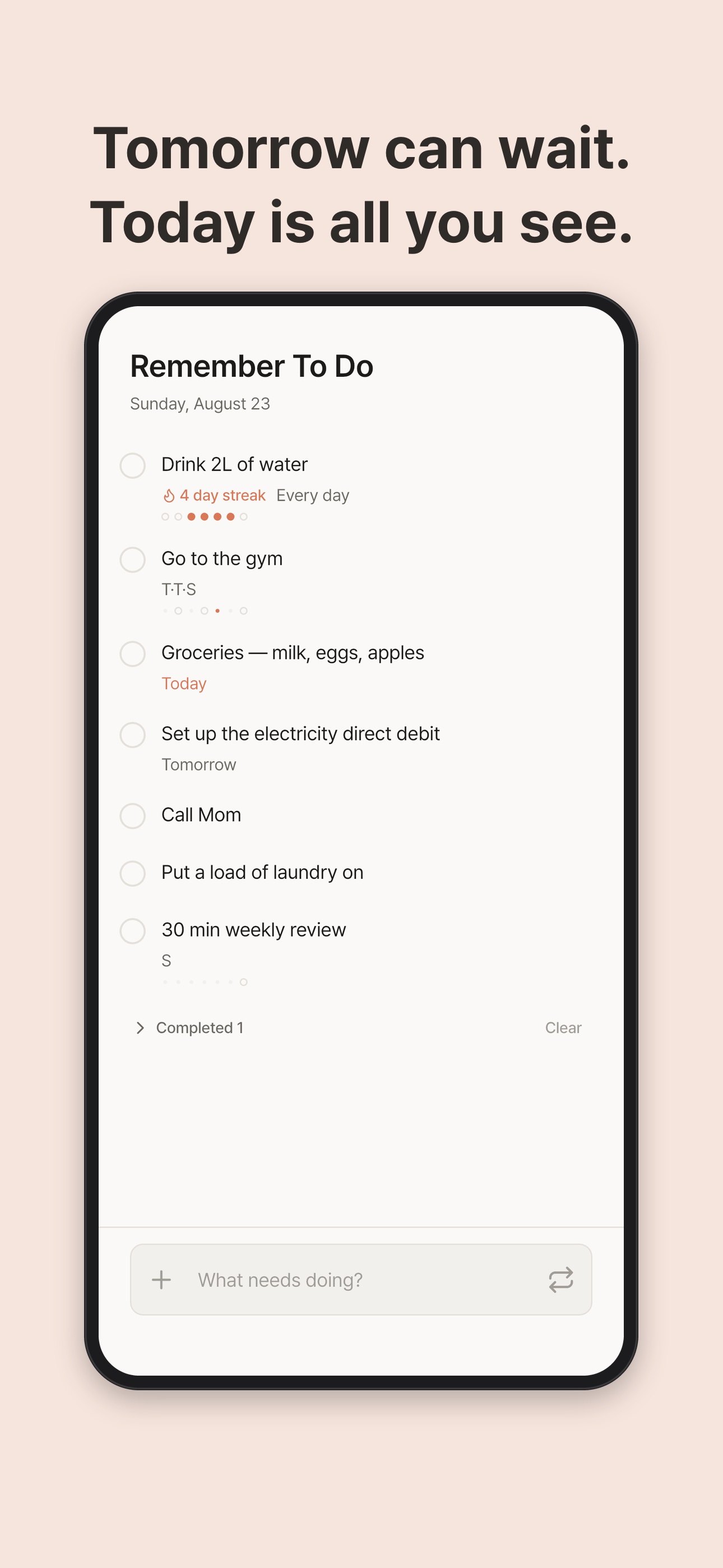
Tomorrow can wait.
Today is all you see.
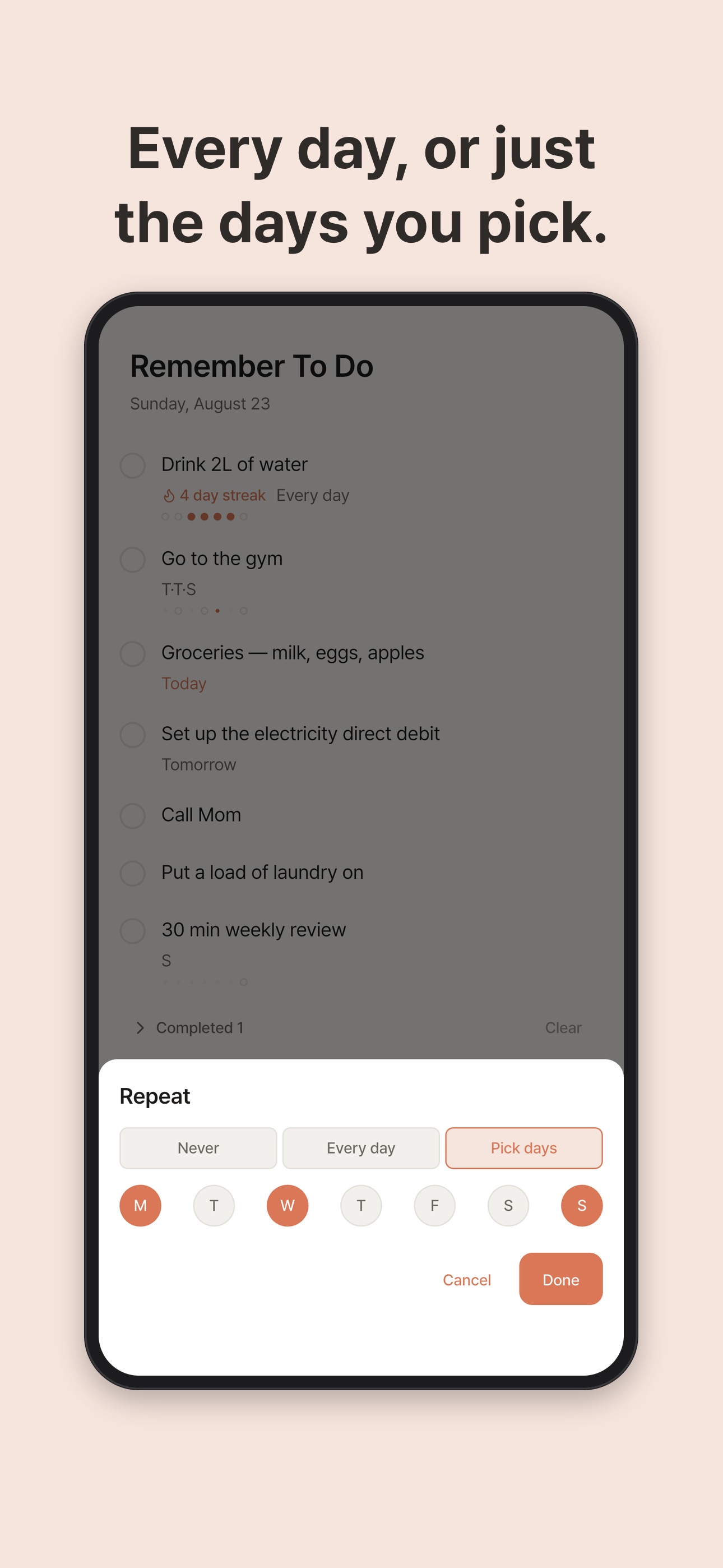
Every day, or just
the days you pick.
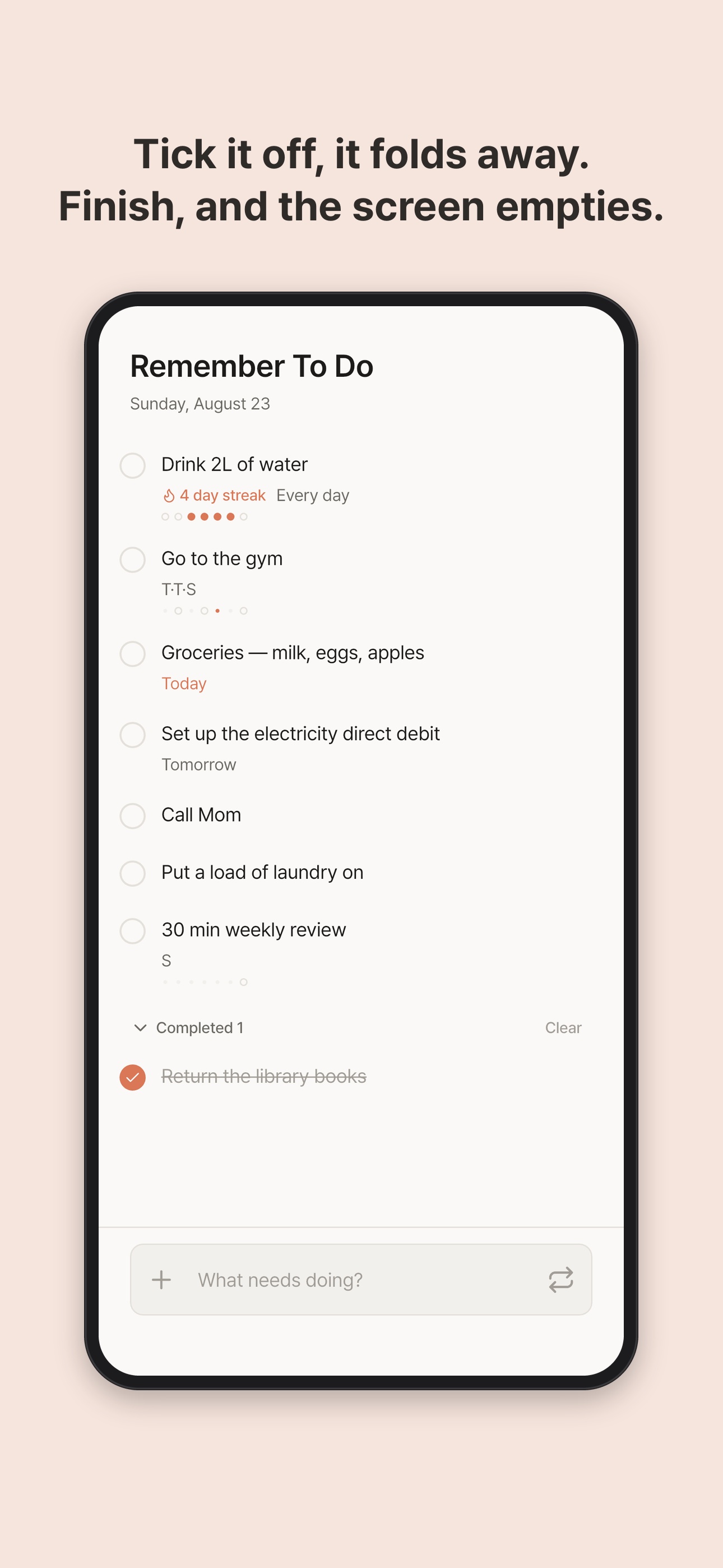
Tick it off, it folds away.
Finish, and the screen empties.
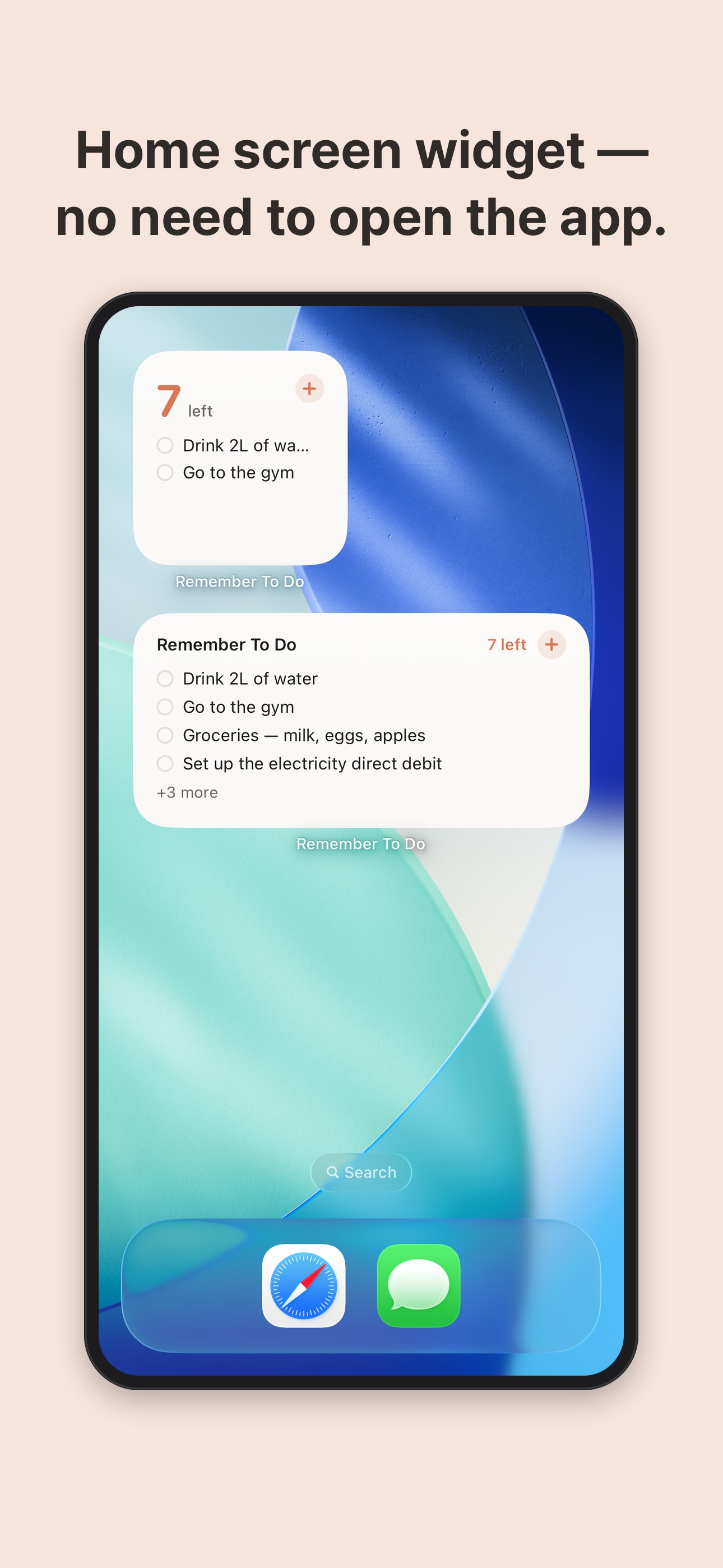
Home screen widget —
no need to open the app.
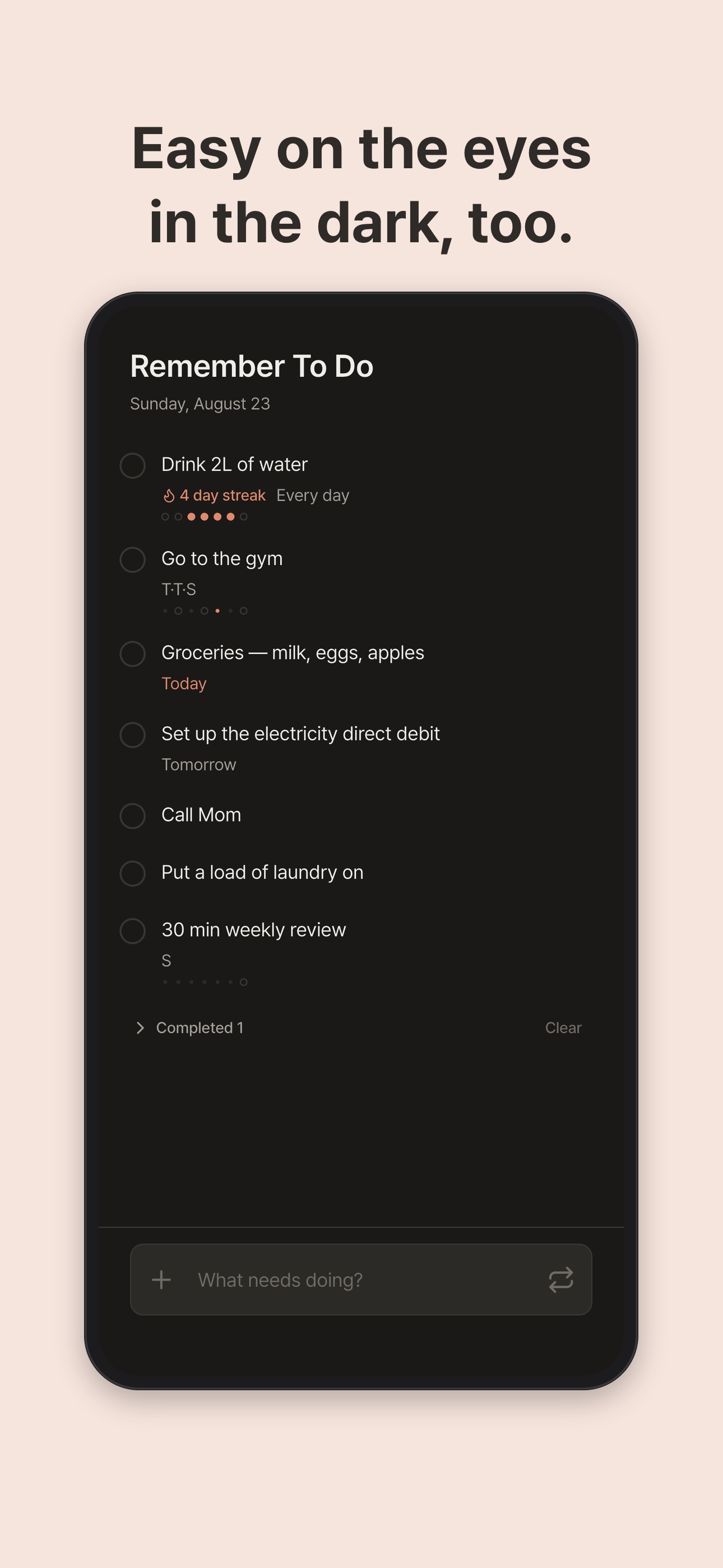
Easy on the eyes
in the dark, too.
What it does
Today, and only today
Type a task and it lands on today's list. Check it off and it folds away, so only what's left is in front of you. An empty screen is the reward for a finished day.
Repeats that come back on their own
Repeat every day, or only on the weekdays you pick. Set it once and it returns whenever that day comes around — vitamins, the gym on Mon/Wed/Fri, trash out on Friday.
The last few days at a glance
Repeating tasks carry a small strip of recent history. You can see straight from the list whether you did it yesterday and how many days you kept it this week.
Home screen widget
Small and medium widgets put what's left of today on your home screen, and they stay current without opening the app.
Right in the Mac menu bar
Click the menu bar icon and a popover opens. Type the thing you just remembered and close it. No window to arrange.
Carried across your devices by iCloud
What you write on your iPhone shows up on your iPad and your Mac. There is no sign-up and no account to create — your iCloud account is all it uses.
What you won't find
No account · no ads · no notification storms · no subscription upsell · no collaboration invites · no tutorial to sit through